01
The Fear of Missing Something
You worry that poor positioning, wrong acquisition settings, display choices, or incomplete navigation could hide information you should have seen.
You already bought the technology. The real risk is using only a fraction of it. Mastering i-Dixel gives you the operational training most practices never receive, from patient positioning and acquisition parameters to advanced MPR, filters, measurements, 3D tools, reconstruction, and export.
44 focused lessons • approximately 5 hours • lifetime access • one login per purchase
Already enrolled? Log in to your course here.
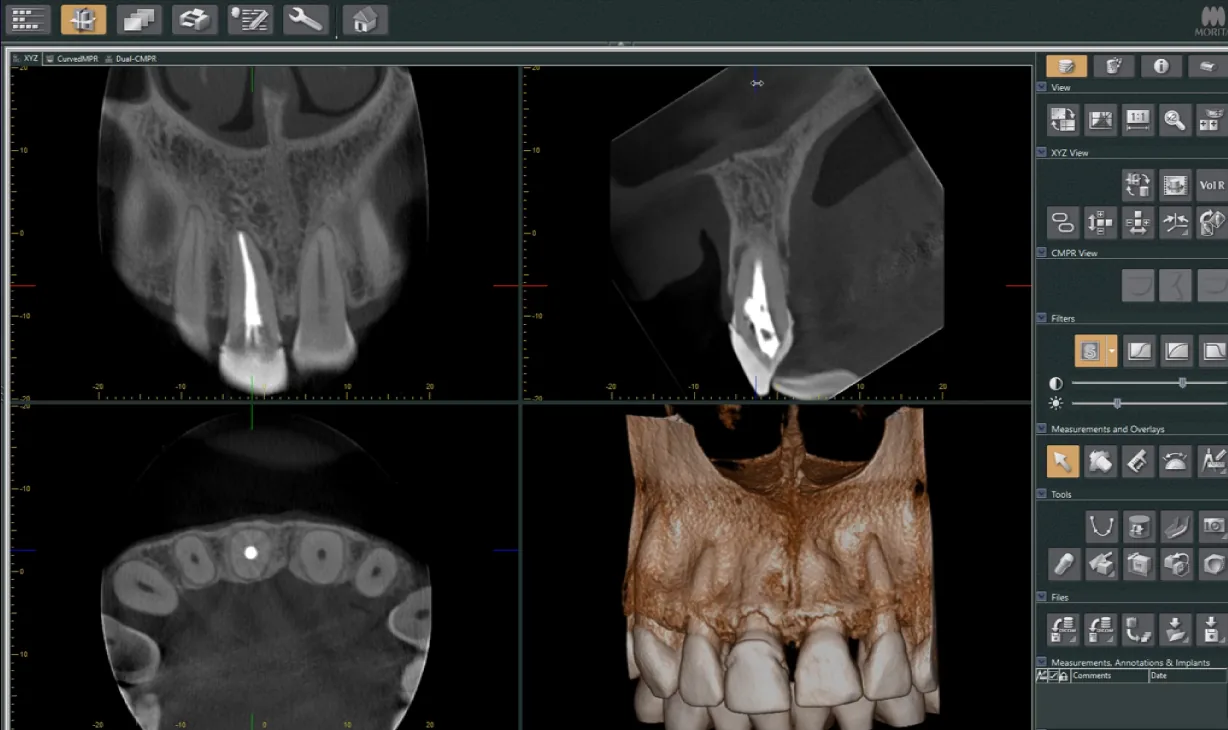
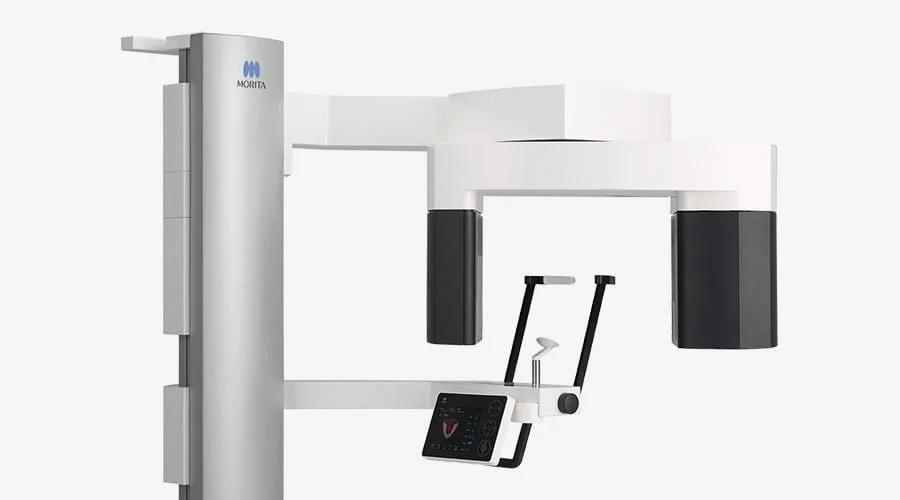 Morita hardware workflows
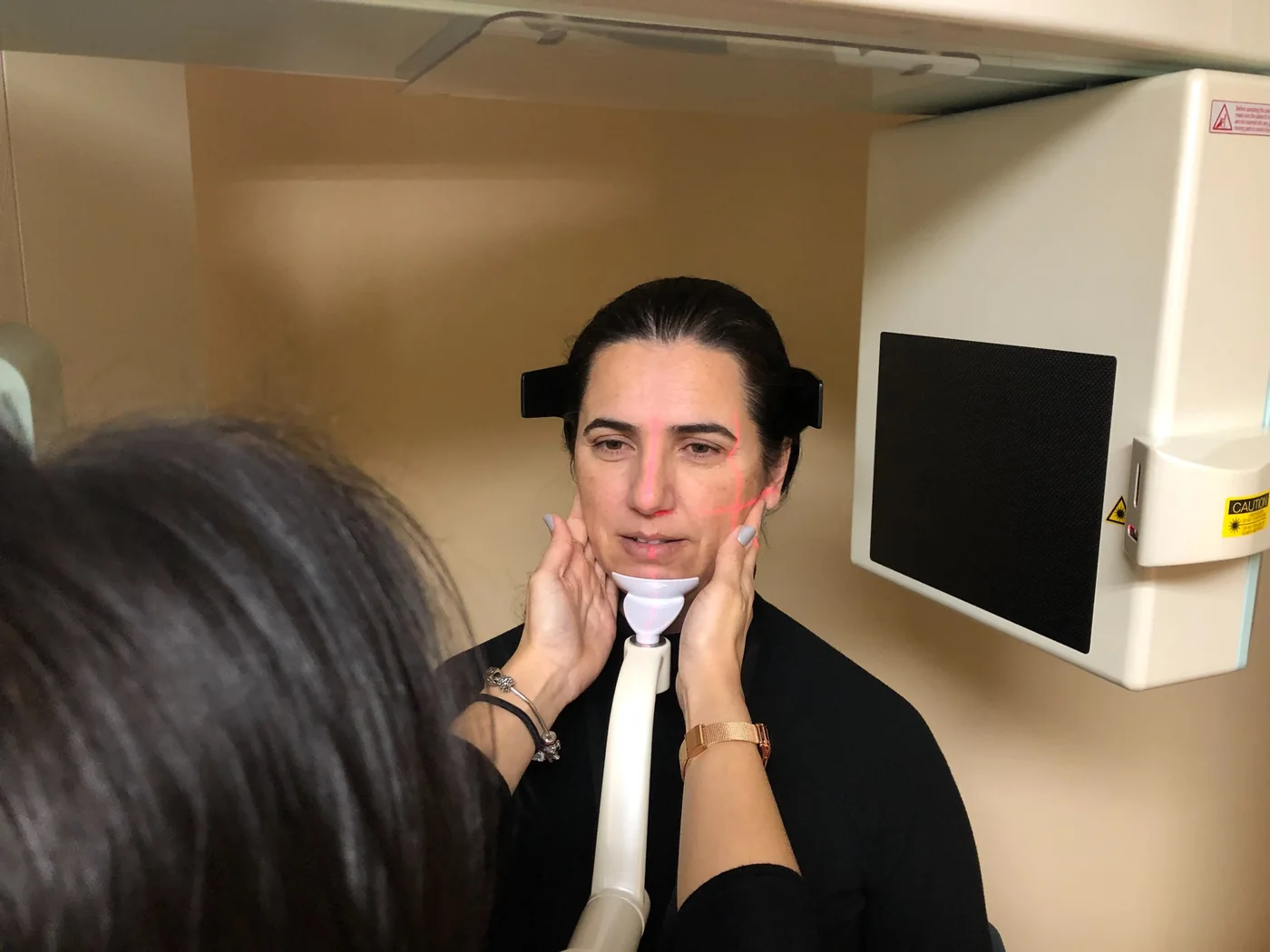
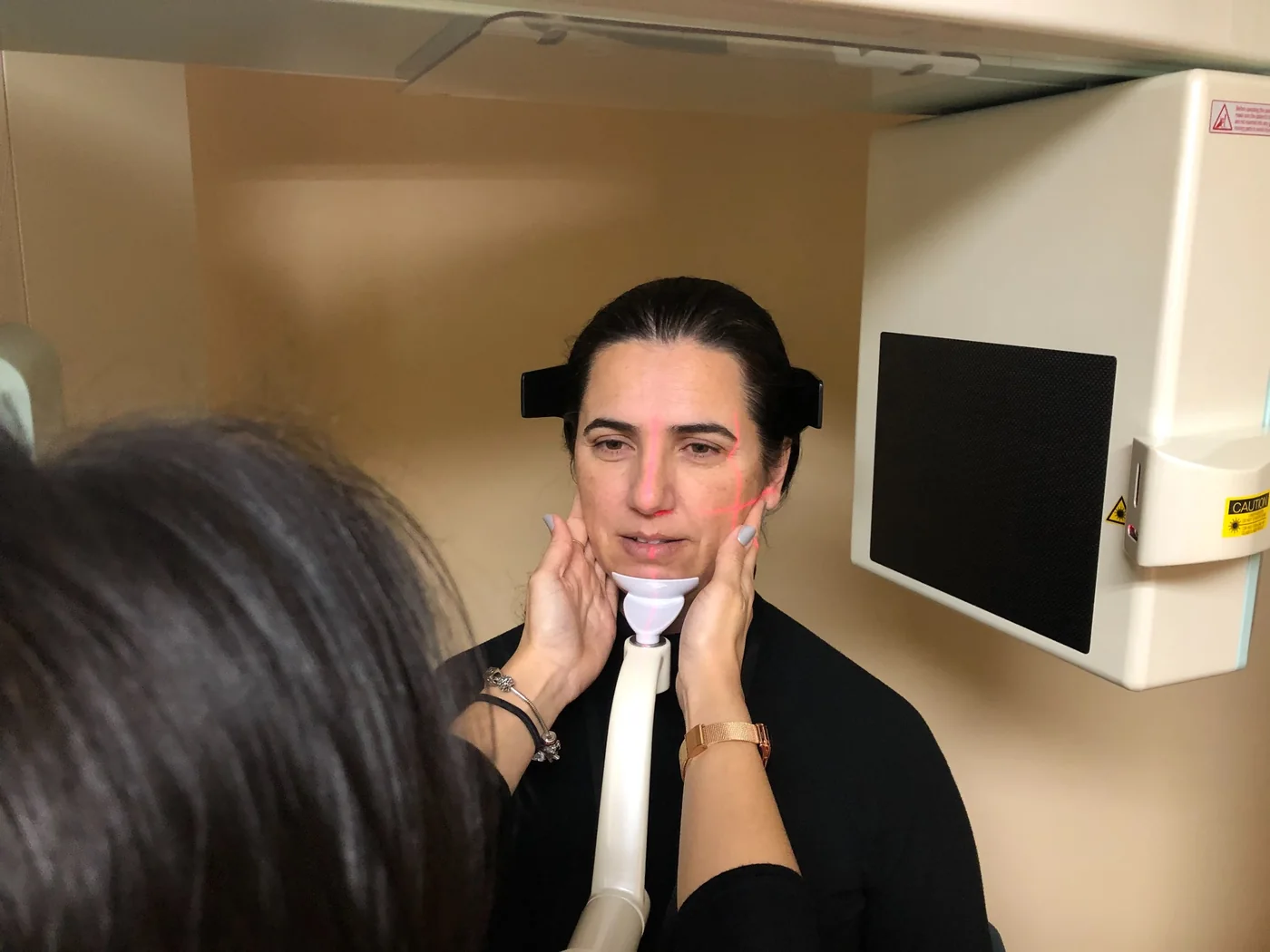 Patient positioning + staff training
The scanner is not usually the weak link. The weak link is inconsistent training. Doctors are expected to trust images they may not know how to optimize, while staff are expected to reproduce perfect acquisitions after a short installation demo.
You worry that poor positioning, wrong acquisition settings, display choices, or incomplete navigation could hide information you should have seen.
You bought a world-class system, but the practice still uses the same few buttons because most of i-Dixel feels buried, technical, or unfamiliar.
Drawing canals, building MPRs, changing slice thickness, optimizing a volume, or exporting data takes too long because the workflow was never properly taught.
Every new assistant becomes another round of chairside retraining. Positioning drifts. Settings change. Scan quality becomes dependent on who is working that day.
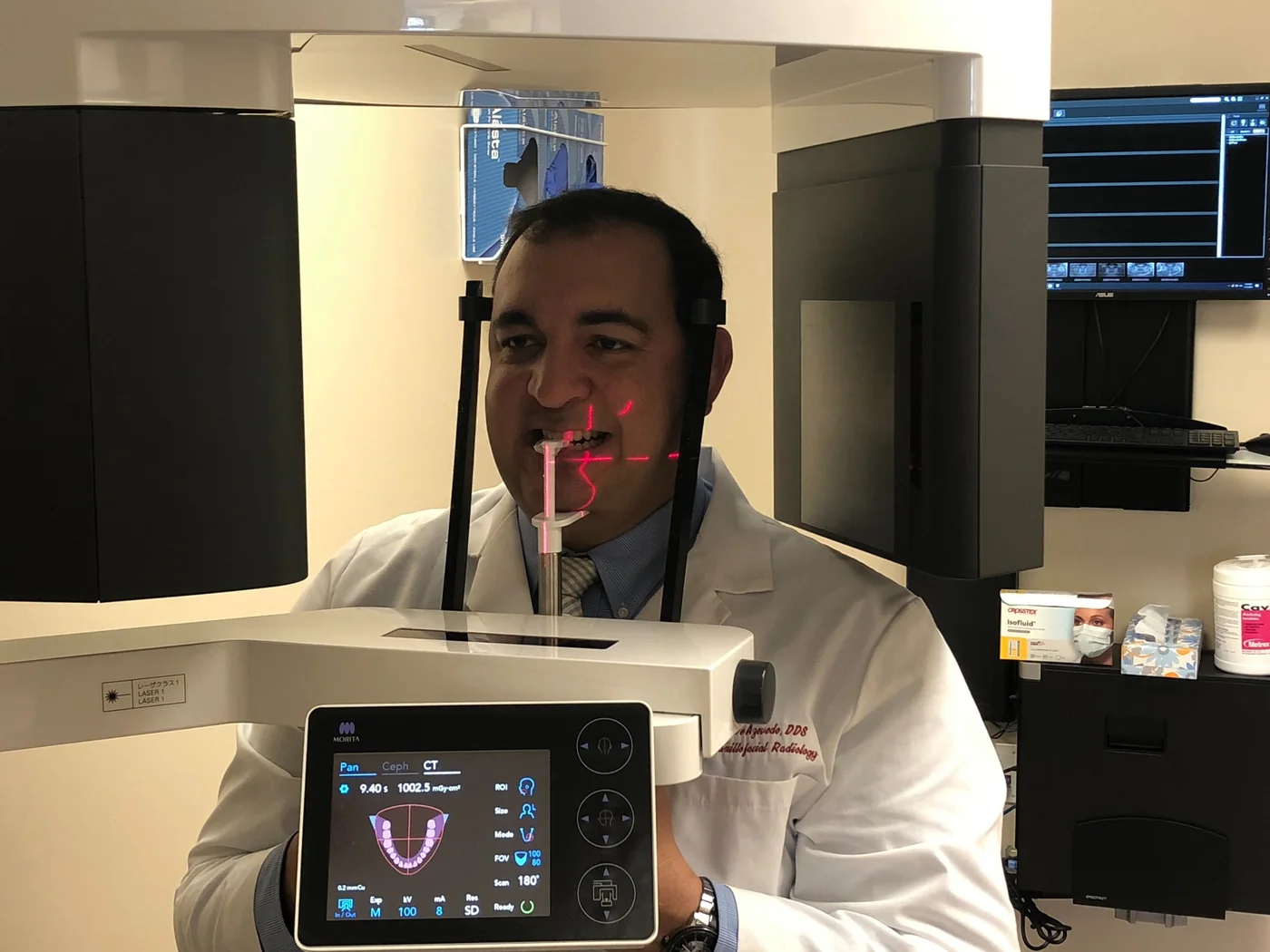
Mastering i-Dixel is the operational blueprint I wish every Morita owner received on day one. It starts before the exposure button is pressed and continues through acquisition, correction, navigation, optimization, measurement, 3D visualization, reconstruction, and export.
I have worked with Morita CBCT technology for 23 years. After experience across hundreds of thousands of scans, I built this course around the details that repeatedly separate an average acquisition from an optimized one.
The 44 lessons are intentionally short and focused. Learn the entire workflow, then return to the exact lesson you need when a real-world question comes up.
Patient registration, scanner workflow, panoramic and 2D scouting, patient alignment, field selection, acquisition parameters, exposure strategy, movement control, and unit-specific considerations.
Histogram, brightness, contrast, sharpening, sigmoid, gamma, edge filters, high-pass, ultra-high-pass, low-pass, ultra-low-pass, median filtering, and practical image optimization.
XYZ navigation, 3D planes, correct data orientation, slice thickness, curved MPR, advanced curved MPR, dual curved MPR, and efficient cross-sectional workflows.
Measurement tools, annotations, mandibular canal marking, implant-planning functions, snapshots, layers, and tools that turn a volume into usable clinical information.
Advanced rendering, reconstruction workflows, zoom reconstruction, movement correction, display strategies, and tools many experienced users never realize are available.
DICOM export, viewer export, PrintCenter, snapshots, documentation, and practical workflows for getting the correct data to colleagues, specialists, labs, or another computer.
Mastering i-Dixel is built specifically for Morita owners and users. The course addresses the hardware workflows that matter across the supported systems, then takes you deep into the i-Dixel tools that most practices never fully learn.
Exact menus, controls, and available functions may vary by Morita model, configuration, and software version.
In many U.S. practices, the doctor does not personally acquire every CBCT scan. That means image quality depends on whether the assistant understands positioning, field of view, acquisition parameters, movement, and the specific workflow of the Morita unit.
“This is a must-have course for all Morita users.”
MORITA USER“I didn't know my Morita had all those hidden features.”
MORITA USER“The course helped me train my new staff on how to properly acquire CBCT scans in a couple of hours. Totally worth the investment. Thanks, Bruno.”
MORITA USERA one-time training investment designed to help you extract more value from the Morita system you already own.
One purchase includes one Hotmart login. This is equipment/software training and does not provide CE credit.
Yes. Experienced users are often the most surprised by how many filters, MPR workflows, reconstruction tools, export options, and advanced functions they were never shown during initial training.
No. The course was designed for both the doctor and the staff members who actually position patients and acquire scans. The practice can use the purchaser's login as its training resource.
The training covers 3D e, X700 F40 and R100, Accuitomo, and X800 F40, R100 and XL, along with extensive i-Dixel software training.
The focus of Mastering i-Dixel is scanner operation, acquisition, image optimization, navigation, software tools, reconstruction, and workflow. Formal interpretation training and CE are offered separately through Cone Beam Guy hands-on interpretation courses.
Approximately five hours divided into 44 focused lessons.
Lifetime access through Hotmart.
Yes. Because access is lifetime, the purchaser can return to the course whenever a new staff member needs training. The purchase provides one login credential.
No. This course is operational and software training for Morita users. CE credit is available through separate Cone Beam Guy interpretation courses.